Introduction
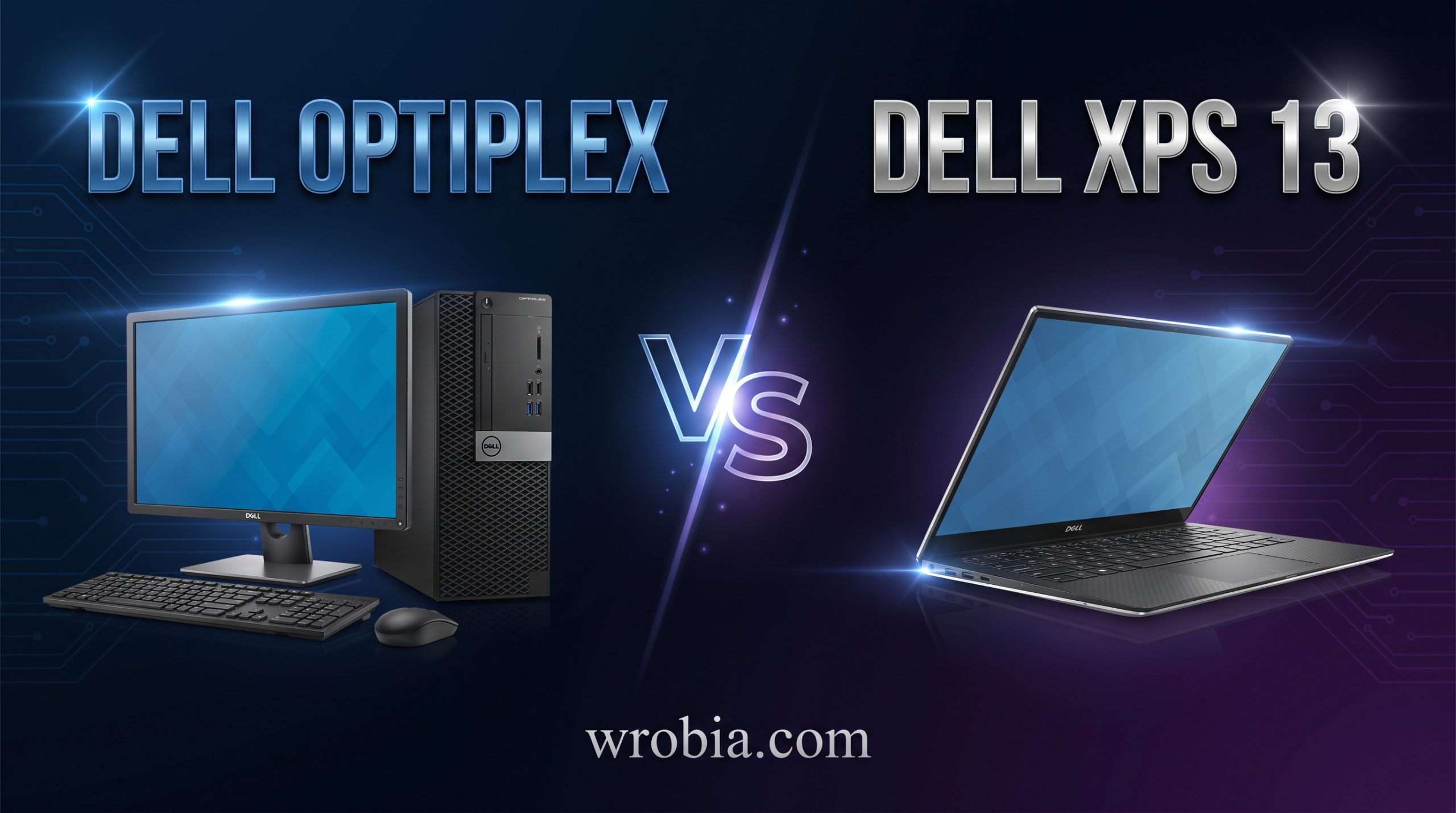
Dell’s lineup covers nearly every kind of computer user, but two names keep coming up when people ask “what should I actually buy”: the OptiPlex and the XPS 13. They serve very different purposes. The OptiPlex is Dell’s business-focused desktop tower (or small-form-factor PC), built for offices, schools, and home setups where a fixed workstation makes sense. The XPS 13 is Dell’s flagship ultraportable laptop, designed for people who need power and polish in something that fits in a bag.
Comparing them isn’t really laptop vs. laptop or desktop vs. desktop — it’s about figuring out which form factor and use case fits your life in 2026. This article walks through specs, performance, design, and price so you can decide with confidence.
Quick Comparison
| Category | Dell OptiPlex | Dell XPS 13 |
|---|---|---|
| Form factor | Desktop tower / SFF / Micro | Ultraportable laptop |
| Target user | Business, office, school | Professionals, students, creatives on the go |
| Portability | None (stationary) | High |
| Upgradability | Good (RAM, storage, sometimes GPU) | Limited (often soldered RAM/storage) |
| Display | Sold separately | Built-in, 13.4″ |
| Battery | Plugged in, no battery | Up to ~12-18 hours |
| Starting price (2026) | Lower for base configs | Higher across the board |
Specifications Comparison
The OptiPlex typically ships with Intel Core or Intel vPro processors aimed at enterprise reliability rather than raw consumer performance, alongside expandable RAM (often 8GB to 64GB+) and a mix of SSD and HDD storage options depending on the chassis size. Because it’s a desktop, there’s more room for expansion: extra drive bays, additional RAM slots, and in some tower configurations, a dedicated graphics card.
The XPS 13 in its 2026 form runs on the latest Intel Core Ultra processors with integrated graphics, paired with LPDDR RAM (usually 16GB or 32GB, soldered to the board) and fast PCIe SSD storage from 512GB up to 2TB. There’s no room for a discrete GPU and no real upgrade path after purchase — what you order is what you keep.
If you need a machine you can open up and modify over the years, the OptiPlex wins on flexibility. If you want the newest mobile silicon in a thin chassis, the XPS 13 is built around that goal instead.
Design & Build Quality
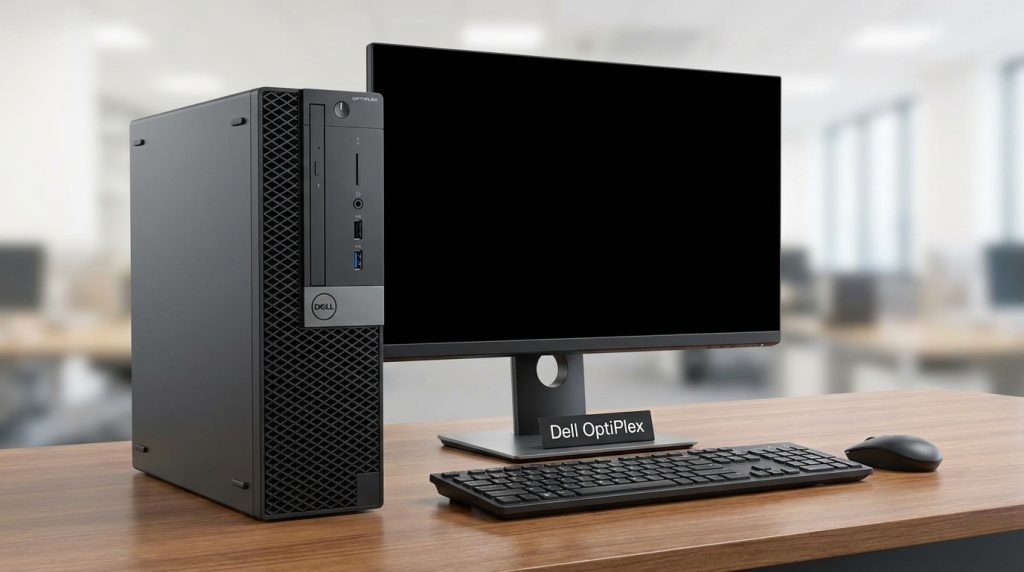
The OptiPlex prioritizes function over form. It comes in tower, small form factor, and micro configurations, usually finished in basic black plastic and metal, meant to sit under a desk or tucked behind a monitor and rarely seen. Build quality is solid and rated for long duty cycles in office environments, but nobody buys an OptiPlex for its looks.
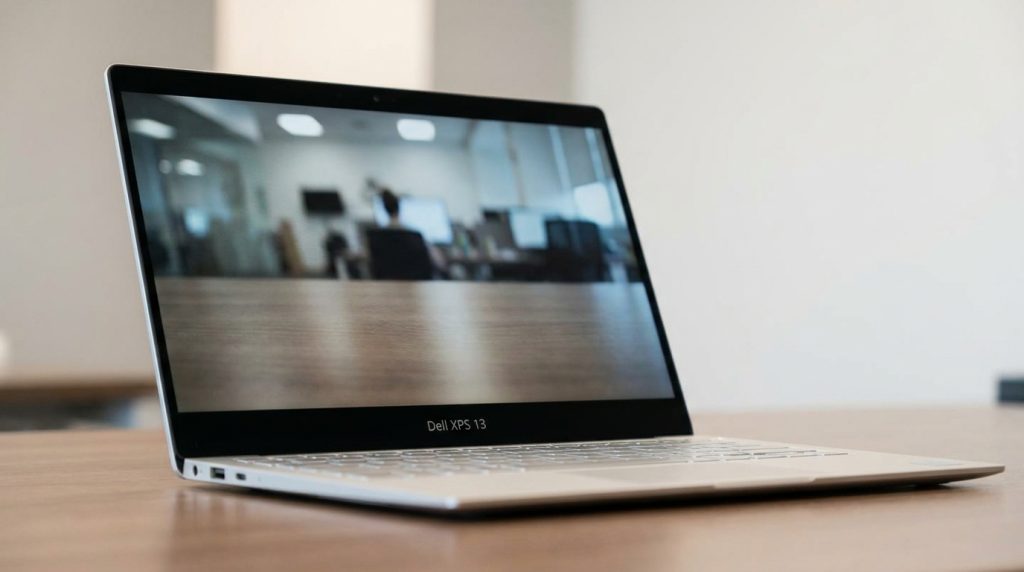
The XPS 13 is the opposite philosophy. It uses a CNC-machined aluminum chassis with a carbon fiber or woven glass-fiber palm rest, edge-to-edge “InfinityEdge” display bezels, and a design language Dell has refined for over a decade. It’s one of the more premium-feeling ultraportables on the market and is frequently used as a benchmark for what a Windows laptop should look like.
Performance Comparison
For everyday office tasks, web browsing, video calls, and document work, both machines handle the load comfortably. Where they diverge is sustained, heavy workloads. The OptiPlex’s desktop form factor allows better cooling and sustained power delivery, so tasks like large spreadsheet calculations, multitasking across many applications, or running background business software stay smooth over long sessions.
The XPS 13’s thin chassis means its processor runs in a more thermally constrained envelope. It’s still capable for coding, photo editing, and moderate multitasking, but it will throttle sooner than a desktop under prolonged heavy loads like video rendering or large compiles.
Display Comparison
This is a key structural difference. The OptiPlex doesn’t include a display — you choose your own monitor (or multiple), meaning you can pick a 24″, 27″, or ultrawide screen with whatever resolution and refresh rate suits you, and upgrade it independently of the PC itself.
The XPS 13 includes a fixed 13.4″ display, typically offered in FHD+ or OLED touch options, with strong color accuracy and brightness suited to creative work and detail-oriented tasks. You can’t upgrade it, but you also don’t need to buy or manage a separate monitor.
Battery Life
The OptiPlex has no battery; it runs on a constant power connection, which is a non-issue for a desk-bound office machine but means zero portability.
The XPS 13 is built around battery efficiency, with Dell’s 2026 models generally rated for somewhere in the 12 to 18-hour range depending on configuration and display choice, making it realistic for a full workday away from an outlet for most users.
Software & Features
Both machines run Windows and support Dell’s management and security software, but the OptiPlex leans harder into enterprise features: vPro remote management, TPM security, and configurations aimed at IT departments managing dozens or hundreds of units at once.
The XPS 13 includes consumer-oriented conveniences: a fingerprint reader, Windows Hello facial recognition via the webcam, and Dell’s optimization software tuned for battery and thermal balance on a laptop rather than fleet management.
Gaming Performance
Neither machine is a gaming PC, but there’s still a gap. An OptiPlex tower configured with a discrete GPU option can handle light to moderate gaming, while base configurations with integrated graphics are limited to older or undemanding titles.
The XPS 13 relies entirely on integrated graphics, which is fine for casual games, browser-based titles, or older indie games, but isn’t intended for modern AAA gaming at all.
Price Comparison
Base OptiPlex configurations are generally the more affordable entry point for raw computing, especially once you factor in that many buyers already have a monitor, keyboard, and mouse. However, once you add a quality display and peripherals, total cost can approach laptop pricing.
The XPS 13 carries a premium price tag reflecting its build materials, display, and portability, with the gap between base and high-end configurations being significant depending on RAM, storage, and display choice (OLED touch options cost notably more than base FHD+ panels).
Pros and Cons
Dell OptiPlex
Pros: more affordable for raw performance, upgradable components, better sustained performance, flexible display choice, designed for long-term enterprise reliability.
Cons: not portable, requires separate monitor/peripherals, uninspired design, takes up desk space.
Dell XPS 13
Pros: highly portable, premium build and display, long battery life, modern processors, great for travel and hybrid work.
Cons: higher price for comparable performance, no upgradability, can throttle under heavy sustained loads, gaming is essentially off the table.
Best For Students
Students who move between classes, libraries, and dorms will get far more practical value from the XPS 13’s portability and battery life. It handles note-taking, research, writing, and most coursework comfortably, and its size makes it easy to carry daily. An OptiPlex only makes sense for a student who has a fixed desk setup at home and never needs to move their computer.
Best For Professionals
This depends heavily on the job. Professionals who travel, work hybrid schedules, or need a polished device for client-facing meetings should lean toward the XPS 13. Professionals working from a fixed office desk on data-heavy, multitasking-intensive work — finance, IT administration, engineering support — may get more reliable, cost-effective performance from an OptiPlex paired with a strong monitor setup.
Which One Offers Better Value?
Value depends on what you’re optimizing for. For raw computing power per dollar in a stationary setup, the OptiPlex generally wins, especially since you control monitor and peripheral spending separately. For the value of having a complete, portable, premium computing experience in one package, the XPS 13 justifies its higher price for users who genuinely need mobility. Neither is objectively “better value” — it’s a question of whether you’re paying for desktop performance or laptop convenience.
Frequently Asked Questions (FAQs)
Can I game on a Dell OptiPlex? Only on configurations with a discrete GPU option, and even then it’s better suited to lighter or older titles rather than modern AAA games.
Is the XPS 13 good for video editing? It can handle light to moderate editing work, but its thin chassis and integrated graphics make it less suited to heavy, sustained rendering compared to a desktop with a dedicated GPU.
Can I upgrade the RAM or storage on an XPS 13? In most current configurations, RAM is soldered to the motherboard and not user-upgradable; storage upgradability varies by model and should be checked before purchase.
Does the OptiPlex come with a monitor? No, displays are sold separately, giving you flexibility to choose your own screen size and specifications.
Which one is better for working from home? If you have a dedicated desk and don’t need to move your computer, the OptiPlex paired with a good monitor often delivers more performance per dollar. If you split time between home, office, or other locations, the XPS 13’s portability is the better fit.
Final Verdict
There’s no single winner here because the OptiPlex and XPS 13 aren’t really competing for the same buyer. If your priority is a stationary, upgradable, cost-effective workhorse for a desk setup, the OptiPlex is the smarter buy in 2026. If your priority is a premium, portable laptop that goes wherever you go without sacrificing performance for everyday work, the XPS 13 is worth the higher price. The right choice comes down to how and where you actually work, not which machine has the better spec sheet on paper.